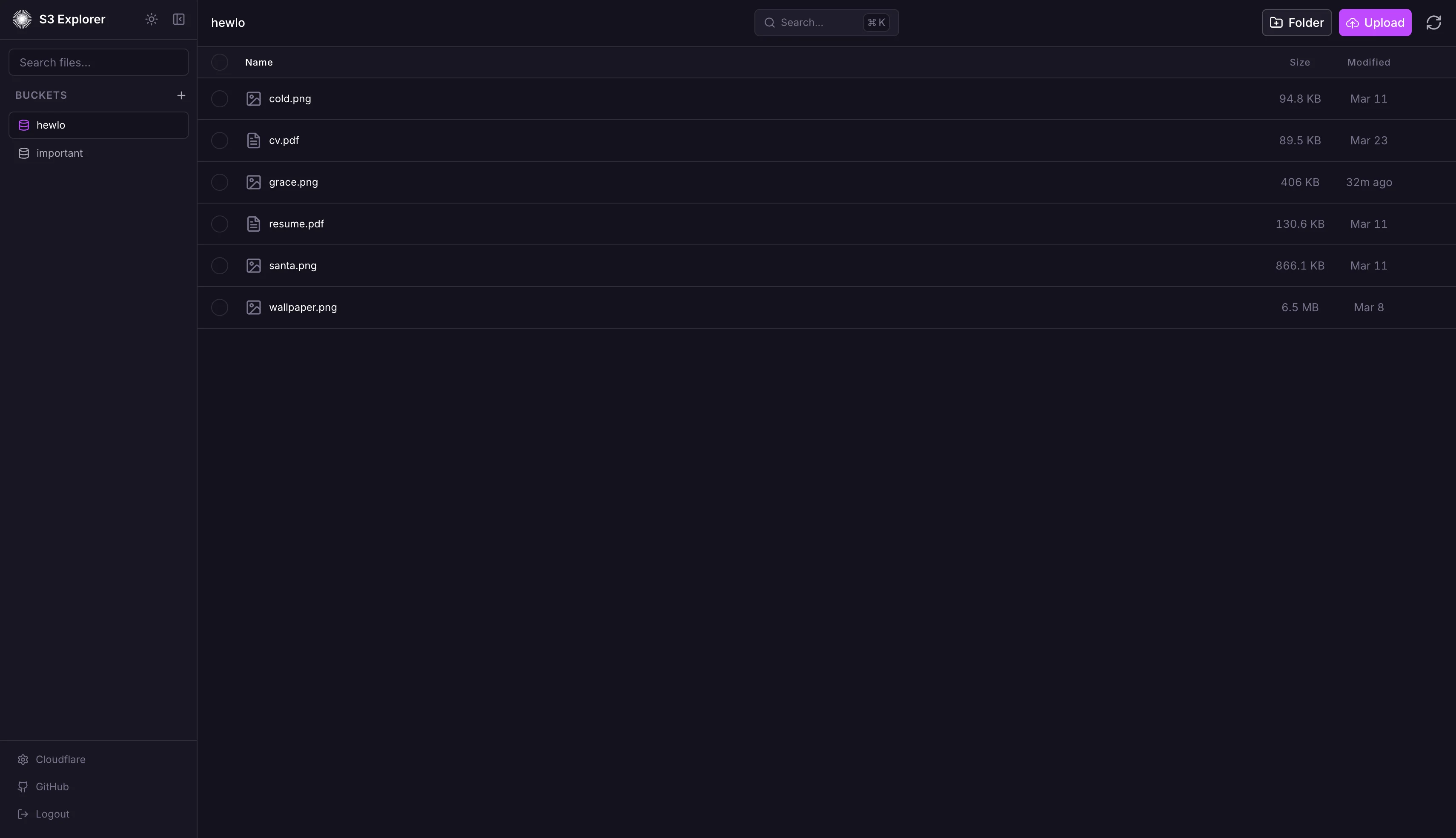
S3 Explorer is a self-hosted web UI for every S3-compatible storage provider — AWS S3, Cloudflare R2, MinIO, DigitalOcean Spaces, Google Cloud, and Railway Buckets. I built it because managing buckets usually means switching between a patchwork of provider dashboards and CLI tools, each with its own quirks. I wanted one interface that worked the same way everywhere, and that I could actually trust with production credentials.
Problem Statement
Most S3-compatible providers expose their own web consoles, but the UX varies wildly. AWS’s console is dense and enterprise-flavored, MinIO’s is minimal, R2’s lives inside a larger dashboard, and self-hosted MinIO installs often require extra setup just to get a usable file manager. None of these let you hold multiple provider credentials in a single place and switch between them in a click. The CLI is powerful but slow for exploration, and passing credentials around in shell history is a security footgun.
Solution
S3 Explorer is a single Node + React application you can self-host. You log in once with a master password, and from there you can register up to 100 bucket connections (any S3-compatible provider), encrypt all credentials server-side with AES-256-GCM, and browse / upload / download through a consistent, keyboard-friendly UI. Nothing sensitive ever touches the browser’s local storage — credentials stay encrypted at rest and are decrypted on-demand by the server for S3 SDK calls.
Architecture
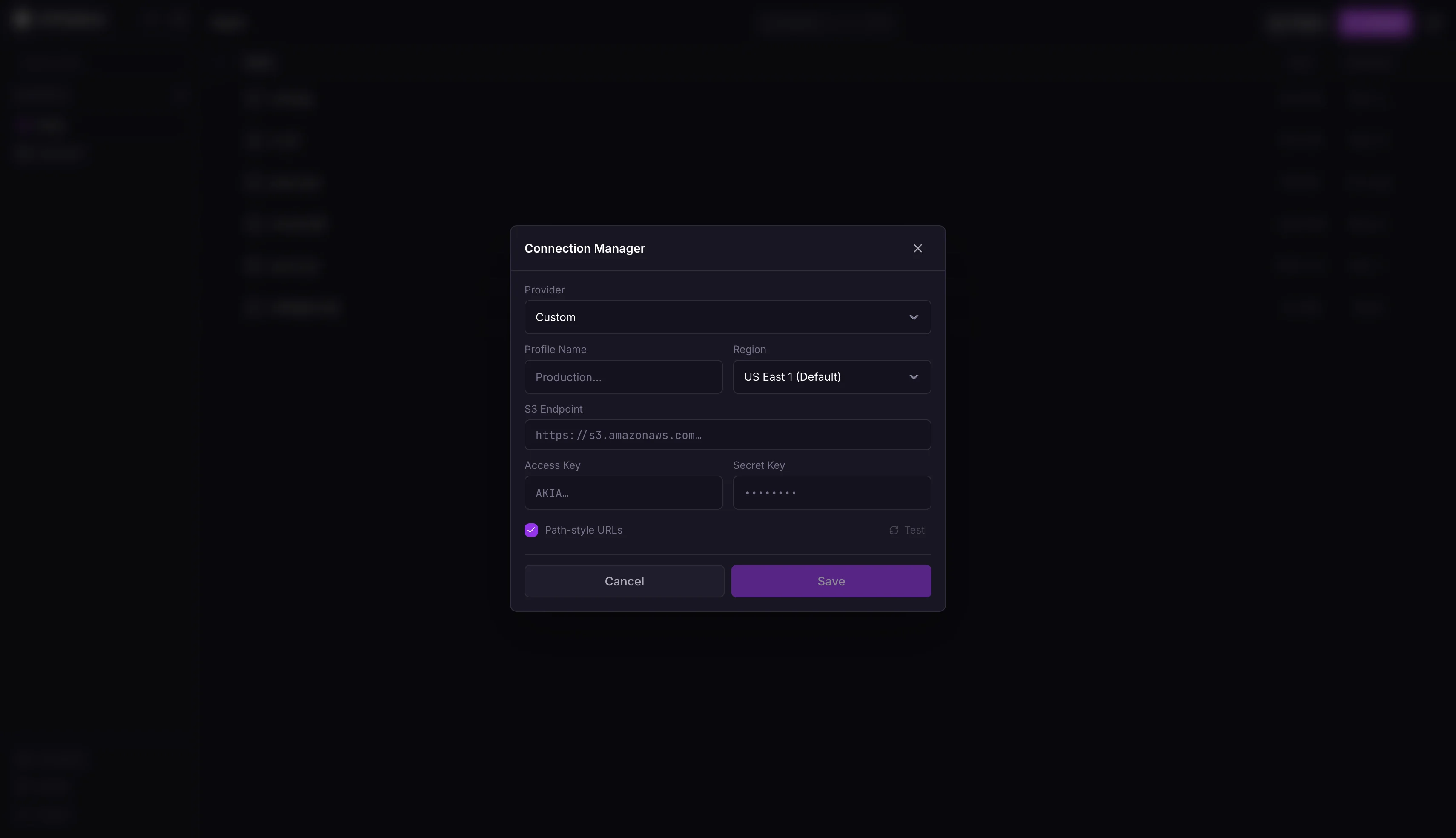
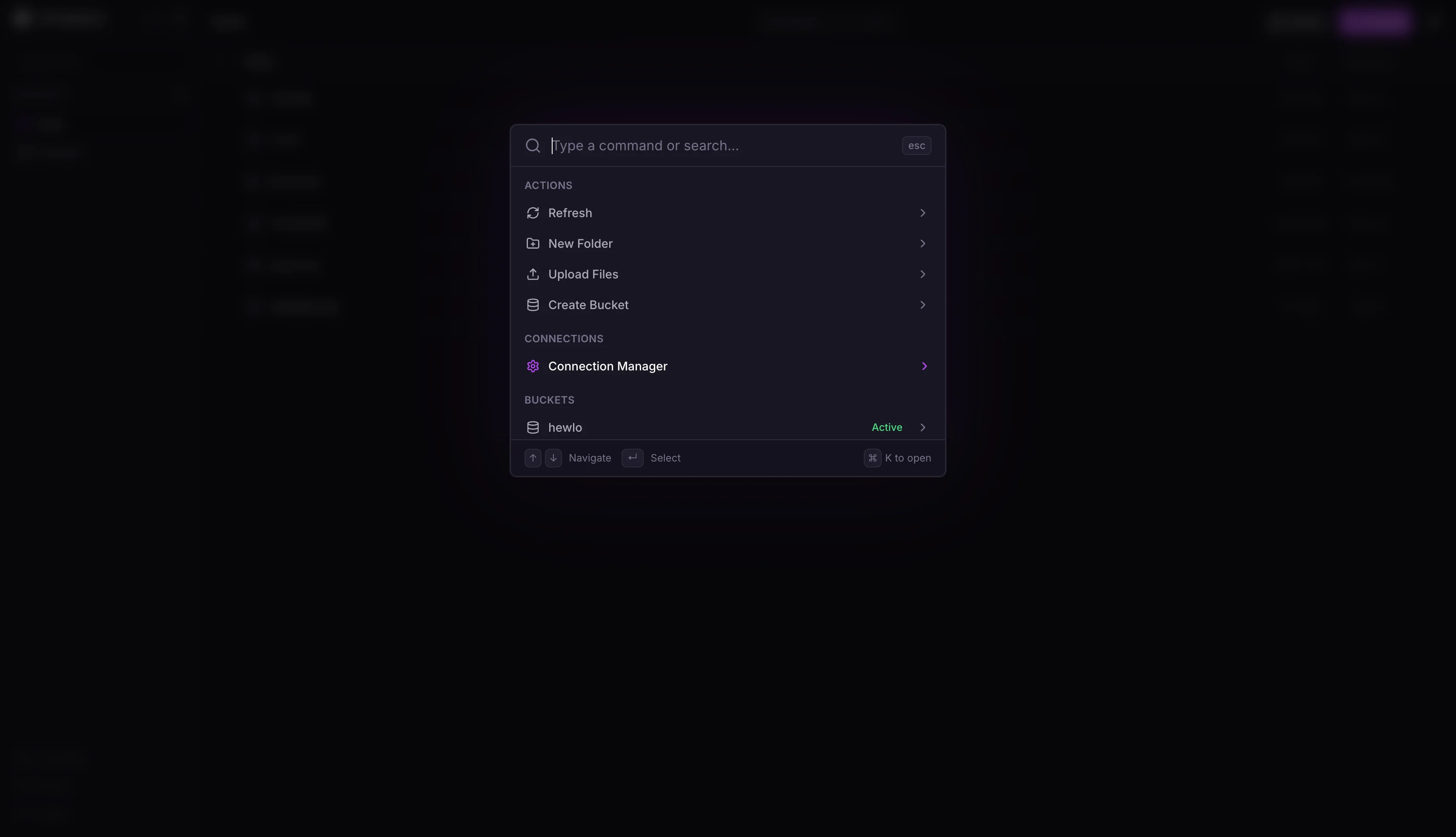
- Frontend: React with Tailwind CSS, built by Vite. Contains the file manager UI, connection manager, command palette (Cmd+K), and upload modal. Stateless between sessions — all application state lives on the server.
- Backend: Express server written in TypeScript. Handles auth, session management, credential encryption, and proxies all S3 operations through the server-side SDK. The client never sees raw S3 credentials.
- Database: SQLite via better-sqlite3. Stores hashed passwords, sessions, and encrypted S3 connection blobs. SQLite keeps the deployment self-contained — no external DB required.
- Auth: Single-password login using Argon2id for hashing, with IP-based rate limiting (10 attempts per 15 minutes, 30-minute lockout). Sessions are server-side with httpOnly / secure / sameSite=strict cookies.
- Encryption: S3 credentials are encrypted at rest with AES-256-GCM using a server-side key. Decryption happens only when executing an S3 operation — never cached in memory longer than necessary.
- Deployment: Dockerfile + Railway one-click deploy. A persistent volume at
/dataholds the SQLite file.
Features
File management
- Drag-and-drop uploads
- Create folders, rename, delete files and folders
- Batch select + delete
- In-browser file preview
- Secure server-proxied downloads (no presigned URLs leaking from the browser)
Multi-connection
- Store up to 100 S3 connections
- Instant switching between them from the connection manager
- All credentials encrypted server-side
Keyboard navigation
Cmd+K/Ctrl+K— command paletteCmd+,/Ctrl+,— connection managerCmd+U/Ctrl+U— uploadEscape— close active modal
Notable Learnings
Never trust the browser with credentials
The first version stored S3 credentials client-side and signed requests in the browser. That meant a malicious extension or XSS could exfiltrate production keys. I moved all SDK calls server-side — the client only sees a list of connection names and files. This added one network hop but removed an entire class of attacks.
Encryption key lifecycle
AES-256-GCM requires a stable encryption key across restarts, but I didn’t want to ship a hard-coded key or require the operator to manage a separate KMS. The compromise: the key is derived from a SESSION_SECRET environment variable, backed by a secrets manager (Railway / Docker secrets / etc.). Rotate the env var and you invalidate all stored credentials — the correct behavior for a key leak.
SQLite over Postgres
For a single-user self-hosted tool, SQLite is perfect: no daemon, no network config, no ops burden. better-sqlite3 is synchronous but fast enough for this workload — session lookups and connection list reads are all sub-millisecond. I only considered Postgres briefly before realizing it was over-engineering.
Rate limiting that actually works
The naive rate limiter was per-session — useless, because an attacker never authenticates. The real limiter is per-IP, in-memory, with an exponential lockout. 10 failed attempts in 15 minutes → 30-minute lockout for that IP. Combined with Argon2id’s deliberate slowness, brute force against the master password becomes impractical.